Both Spendalyst and Copilot are polished, modern alternatives to Mint — but they're built on fundamentally different philosophies and for different types of users. Here's what you actually need to know before choosing.
The Core Difference
Copilot is a beautifully designed app for iPhone users who want deep, detailed insight into their finances and enjoy actively reviewing their spending. It's built for people who want to engage with their financial data regularly.
Want to see where your own money actually goes? Try Spendalyst free for 14 days →
Spendalyst is built for people who want meaningful insights without having to engage with their financial data constantly. It does the analysis and delivers one weekly recommendation — you don't have to do much.
Platform Availability
This is potentially a dealbreaker: Copilot is Apple-only. iPhone, iPad, Apple Watch. No Android, no web app.
Spendalyst works on iOS, Android, and web.
If you or your partner uses Android, Copilot isn't an option.
Design and Interface
Copilot has the most beautiful interface in personal finance apps. If you care about design — and design genuinely affects whether you'll open an app — Copilot is in a different league from most competitors.
Spendalyst prioritizes clarity and simplicity over visual depth. The interface is clean and minimal by design — the goal is to deliver the most useful information with the least friction.
How Each App Delivers Insights
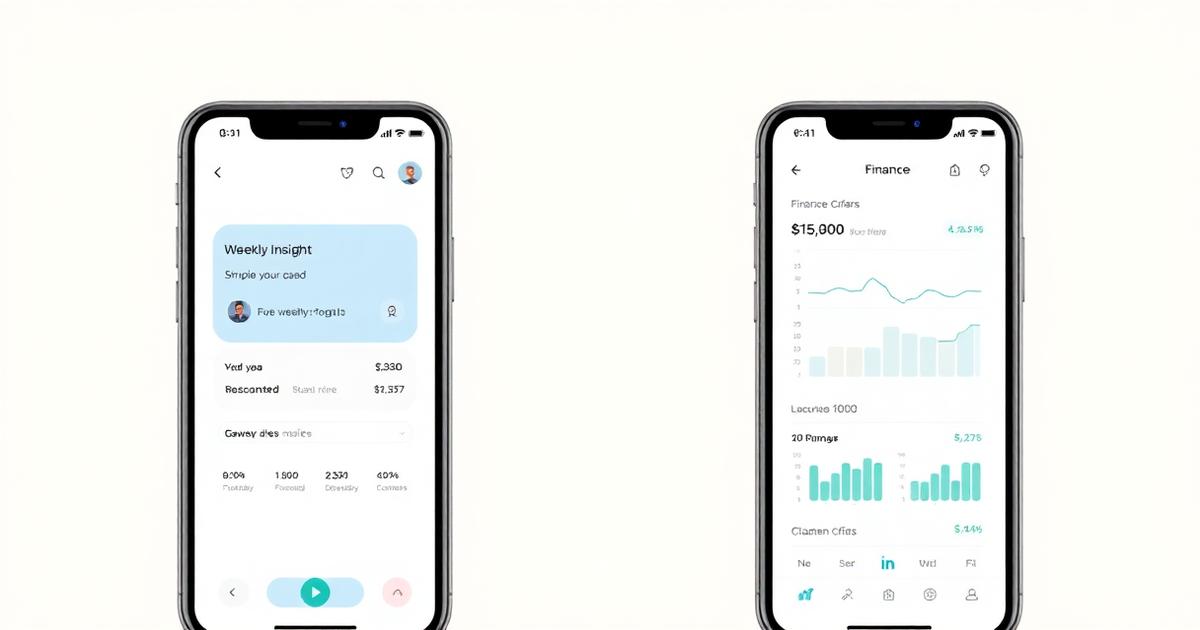
Copilot: Detailed categorization, spending trends, budget tracking, and rich charts that let you drill down into your financial data. You get a lot of information and flexibility to explore it. Best for people who enjoy analyzing their own finances.
Spendalyst: One weekly coaching card that tells you the single most important thing to know about your spending this week. Best for people who want the insight without the analysis.
Budgeting Features
Copilot: Full budgeting with category customization, recurring expense detection, spending alerts.
Spendalyst: No budgeting by design. The philosophy is that budgeting isn't the right tool for most people — awareness and coaching is.
Pricing
Copilot: $13/month or $95/year. Free trial available.
Spendalyst: $10.99/month or $89.99/year. 14-day free trial, no credit card required.
Who Should Use Copilot
Who Should Use Spendalyst
The Bottom Line
If you're on iPhone, like beautiful design, and enjoy engaging with your financial data — Copilot is excellent. If you want smart insights delivered automatically without having to manage anything, or if you're on Android, Spendalyst is the better fit.
Try Spendalyst free for 14 days with no credit card at spendalyst.com.