
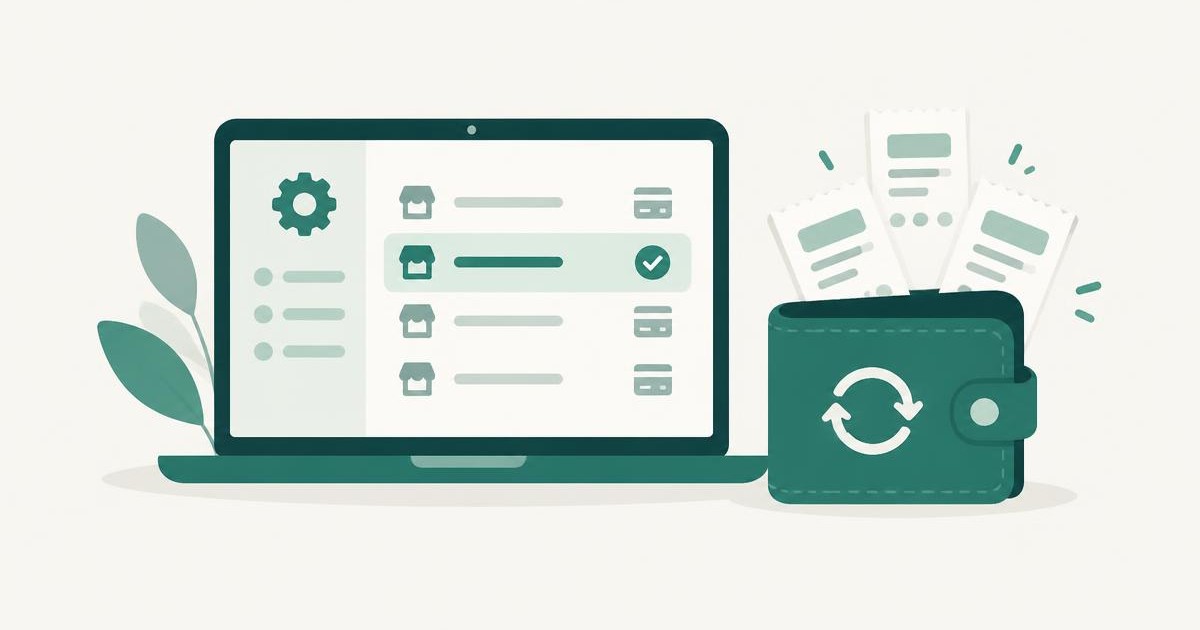
To cancel a PayPal subscription, log in at paypal.com, go to Settings, then Payments, then Automatic Payments (PayPal may label it Subscriptions and saved businesses). Select the merchant and choose Cancel. That stops the merchant from charging your PayPal account again.
PayPal uses several names for the same thing: subscription, automatic payment, recurring payment and billing agreement. They all live on that one screen.
Paying for apps and subscriptions you barely use?
Spendalyst lists every recurring charge in your accounts, including the ones you forgot, and tells you when a price goes up. 14 days free, no credit card.
Find my recurring charges →How to cancel a PayPal subscription on the web
The merchant's page also shows what you agreed to: the amount, how often it bills, and the payment method PayPal uses for it.
How to cancel in the PayPal app
In the US app, PayPal manages these on a page called Subscriptions or Linked Businesses. Open it, tap the merchant, and cancel from there.
The app's menus change often. If you can't find that page, open paypal.com in your phone's browser and use the web steps above. They work on a phone too.
How to see every merchant that can charge your PayPal
The same screen is the fastest way to find subscriptions you forgot. Go to Settings → Payments → Automatic Payments and read the whole list, not only the one you came to cancel.
For each merchant, check:
What cancelling in PayPal does, and what it doesn't
It does stop that merchant from taking future payments through your PayPal account.
It does not:
How to change the card or bank a subscription uses
If you want to keep the subscription but pay with something else:
Why PayPal subscriptions are easy to miss
A subscription paid through PayPal hides in two ways.
First, it never appears in your iPhone or Google Play subscription list, because Apple and Google aren't the ones billing you. Here's how to see subscriptions on iPhone and what that list leaves out.
Second, it looks different on your bank statement. A PayPal payment funded by your bank account or card usually shows as PAYPAL * followed by a shortened merchant name. If you scan your statement for "Netflix" or your gym's name, you can read straight past it. Search your statement for "PAYPAL" and check each line.
Payments made from your PayPal balance don't reach your bank statement at all. For those, PayPal's Automatic Payments list is the only place to look.
For every place a subscription can hide, see how to find hidden subscriptions.
Catch the next one without checking by hand
PayPal's list tells you who is allowed to charge you. It doesn't tell you when a price goes up or when a yearly renewal is about to hit.
Spendalyst watches your bank transactions for that. It connects to your bank read-only, finds the charges that repeat, including PayPal ones that reach your bank or card, and tells you when one goes up in price or when an annual renewal is seven days away. It can see transactions and cannot move money.
Start a 14-day free trial, no credit card required →
FAQ
Where are automatic payments in PayPal?
On the web: Settings (gear icon) → Payments → Automatic Payments. Some accounts show it as "Subscriptions and saved businesses". Both open the same list.
Does cancelling a PayPal automatic payment cancel my subscription?
It stops the merchant from charging your PayPal account. It doesn't close your account with the merchant, so cancel with the merchant too. Otherwise they may ask you to pay another way.
Can I get a refund for a PayPal subscription payment?
Cancelling doesn't refund past payments. Ask the merchant first. If they won't help, open a dispute in PayPal's Resolution Center.
Why is there a PayPal charge on my bank statement I don't recognize?
Look at the text after "PAYPAL *". It's a shortened merchant name. Then log in to PayPal and open your Activity to find a payment with the same date and amount. If you didn't authorize it, report it in the Resolution Center.
Can I pause a PayPal subscription instead of cancelling?
PayPal's screen lets you cancel or change the payment method. Pausing depends on the merchant, so check your account on the merchant's site.