
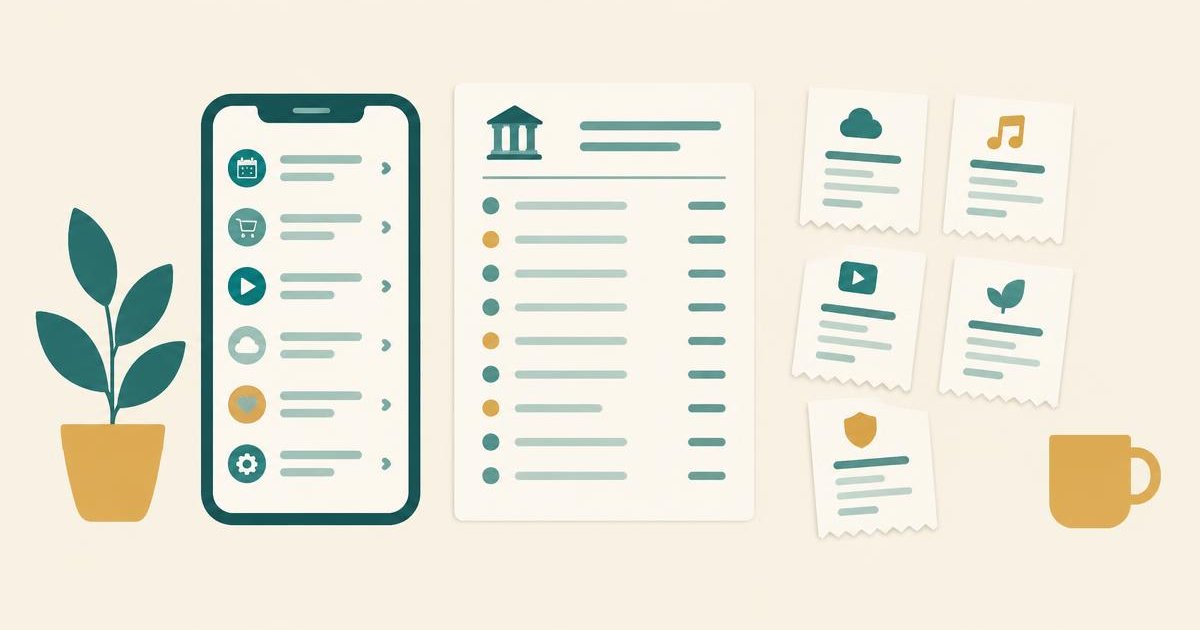
To see your subscriptions on an iPhone, open Settings, tap your name, then tap Subscriptions. That list shows everything Apple bills you for. It does not show subscriptions you pay for directly with a card or through PayPal, even if you use them on your iPhone every day.
This guide covers both: the 10-second Apple check, and how to find the subscriptions that list leaves out. If you pay through more than one service, you can also see all your subscriptions in one place.
Want to see where your own money actually goes?
Try Spendalyst free for 14 days →How to see your subscriptions on iPhone
You'll see two groups. Active lists what you're paying for now, with the price and the next renewal date. Inactive (or Expired) lists what you've cancelled or let lapse.
Tap any subscription to see its plan options. To stop it, tap Cancel Subscription. You may need to scroll down to find the button. If you're on a free trial, Apple says to cancel at least 24 hours before the trial ends.
Two other ways to open the same list
On a Mac, open the App Store, click your name at the bottom of the sidebar, click your name again on the page that opens, then click Subscriptions.
Why a subscription isn't on your iPhone list
The Subscriptions screen only knows about subscriptions that were started through Apple. If something is missing, it is usually for one of these reasons:
To check which case you're in, search your email for "receipt from Apple" or "invoice from Apple". An Apple receipt shows what was bought and which Apple Account paid. No Apple receipt means another company is billing you.
How to find the subscriptions your iPhone doesn't show
These four checks cover almost everything the iPhone list misses.
1. Your card and bank statements
This is the only place every subscription has to show up. Go back 12 months, not one, so annual renewals appear too. Look for the same merchant name repeating at a regular gap.
Apple charges usually appear as APPLE.COM/BILL, and Apple can group several purchases into a single charge. So one Apple line on your statement might be two or three subscriptions added together. Compare it with your iPhone list to see what's inside.
Our guide to finding recurring charges on your bank statement walks through the 12-month method step by step.
2. PayPal
Log in to PayPal, open Settings, then Payments, then Automatic payments. Every merchant allowed to charge you is listed there, including ones you forgot you approved.
3. Your email
Search your inbox for these words, one at a time: "renewal", "your subscription", "receipt", "free trial", "auto-renew". Sort by sender to spot companies that email you every month.
4. Google Play, if you've used Android
If you ever had an Android phone or tablet, open the Google Play Store, tap your profile picture, then Payments & subscriptions, then Subscriptions. Those keep billing after you switch to an iPhone.
For the full checklist, see how to find hidden subscriptions.
What to do with the list once you have it
Write down three things for each subscription: what it costs, when it renews, and when you last used it. Then sort them:
Cancel through whoever bills you. If Apple bills it, cancel in Settings. If the company bills your card, cancel on the company's site. Deleting the app does not cancel the subscription.
Keep the list up to date without doing this again
The iPhone list covers Apple. Your statement covers everything, but only if you read it every month.
Spendalyst does the statement part for you. It connects to your bank read-only, finds the charges that repeat, and tells you when one goes up in price or when an annual renewal is seven days away. It can see transactions and cannot move money.
Start a 14-day free trial, no credit card required →
FAQ
Why can't I see Subscriptions in my iPhone settings?
Make sure you're signed in: the Subscriptions option sits under your name at the top of Settings. If the list is empty, you have no active subscriptions billed through that Apple Account. Check other Apple Accounts you've used, and check your card statement for subscriptions billed directly.
Does deleting an app cancel the subscription?
No. The subscription keeps renewing until you cancel it in Settings → your name → Subscriptions, or with the company that bills you.
How do I see subscriptions a family member is paying for?
You can't see or cancel them from your own phone. Each person in a Family Sharing group manages their own subscriptions, so ask them to check their Subscriptions screen.
How do I get a refund for an Apple subscription?
Go to `reportaproblem.apple.com`, sign in, choose to request a refund, pick a reason and select the subscription. Apple says to expect an update within about 24 to 48 hours. A charge that's still pending can't be refunded until it posts.
What is APPLE.COM/BILL on my statement?
It's how purchases billed by Apple usually appear: App Store apps, in-app subscriptions, iCloud+, Apple Music, Apple TV+ and similar. Search your email for "receipt from Apple" to match the amount to a specific purchase.